
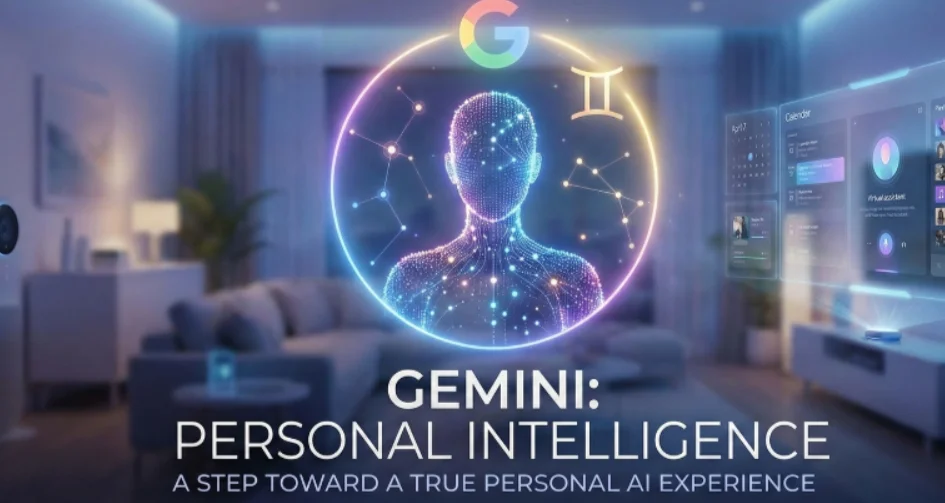
Google Unveils Personal Intelligence for Gemini AI Assistant
Google has introduced a major new artificial intelligence capability called Personal Intelligence, designed to transform Gemini into a deeply personalised, context-aware digital assistant.
Announced in an official blog post, the feature marks a significant evolution in how AI assistants understand users, moving beyond generic responses to provide tailored, proactive help grounded in personal context.
Google said the update “marks our next step toward making Gemini more personal, proactive, and powerful.”
What Is Gemini Personal Intelligence?
Personal Intelligence allows Gemini to reason across a user’s Google ecosystem, including apps like Gmail, Google Photos, YouTube, and Google Search, to deliver customised assistance for everyday tasks.
Instead of responding only to isolated prompts, Gemini can now recognise patterns, recall relevant details, and make suggestions that reflect a user’s interests, habits, and priorities.
For example, Gemini could help plan a weekend trip by combining hiking locations inferred from Photos with event invitations found in Gmail, reducing the effort required to organise personalised experiences.
Practical Use Cases: From Errands to Entertainment
Google highlighted several real-world scenarios where Personal Intelligence adds value:
- Everyday errands: Gemini can identify the correct tyre size for a car by referencing past vehicle photos and related emails, even retrieving a licence plate number from stored images.
- Personal recommendations: The assistant can suggest books, shows, or videos based on past viewing and reading behaviour.
- Travel planning: Gemini can analyse previous trips and interests to recommend alternative destinations better aligned with user preferences.
- Information recall: Users can quickly retrieve old lecture schedules, price quotes, or documents stored across Gmail and Photos.
This represents a major leap from earlier AI assistants that relied mainly on chat history or single-app data.
Privacy, Control, and Transparency at the Core
Google emphasised that privacy and user control are central to Personal Intelligence.
The feature is opt-in and disabled by default, allowing users to choose exactly which apps Gemini can access. Users can enable only the data sources they are comfortable sharing.
Google also stated that:
- Personal data from Gmail, Photos, and other apps is not used to train Gemini directly
- Only limited data, such as prompts and responses, may be used for model improvement
- Users can ask Gemini where specific information came from, and the assistant will explain which connected source was used
- Responses can be regenerated without personal data if needed
Guardrails have also been implemented to prevent the AI from making assumptions about sensitive aspects of a user’s life unless explicitly asked.
Availability and Rollout Plans
At launch, Personal Intelligence is available as a beta feature to Google AI Pro and AI Ultra subscribers in the United States.
The feature works across:
- Web
- Android
- iOS versions of the Gemini app
Google plans to expand availability to additional regions and, over time, extend the capability to free-tier users.
The company also revealed plans to bring Personal Intelligence into AI Mode in Google Search, enabling proactive, personalised insights directly within everyday search experiences.
Why This Matters
With Personal Intelligence, Google is positioning Gemini as more than a chatbot, a digital assistant that understands context, remembers details, and actively helps manage daily life.
As competition intensifies in consumer AI, this move signals Google’s push to differentiate Gemini through personalisation, trust, and deep ecosystem integration, potentially reshaping how users interact with AI assistants going forward.